Export tracks that preserve their intention
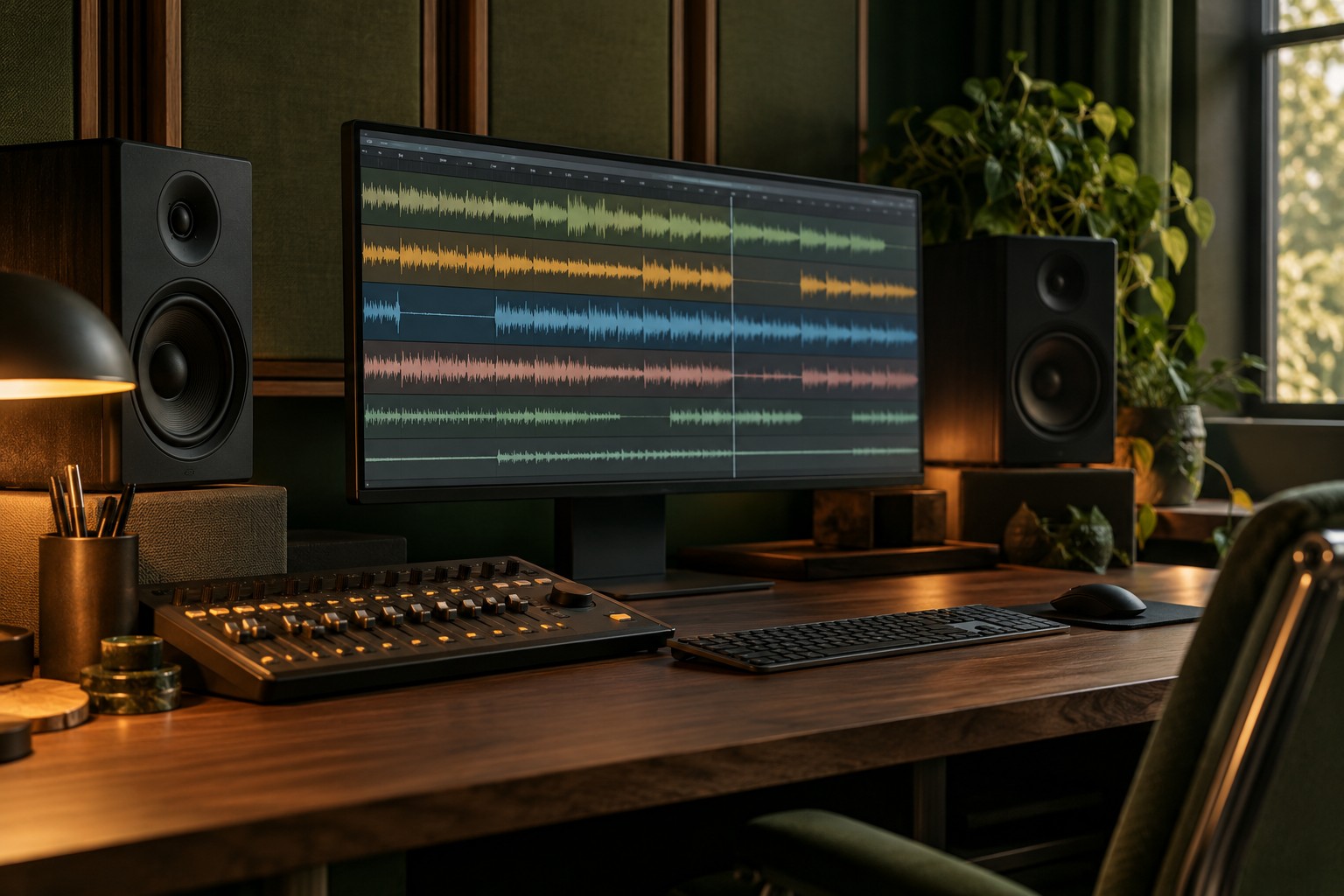
Sending tracks seems mechanical until two files start at different points or a version loses the effect that defined its sound. A well-prepared package preserves synchronisation and musical decisions. This guide helps export material for editing or mixing without requiring a specific application. Command names differ between applications, but the important questions remain: where each file starts, what processing it contains and which reference checks it. Keep the original project and test a small export before generating a complete folder.
Clarify whether tracks or groups are needed
An individual track contains a source or performance; a group combines several. The word stems often means groups, although it is sometimes used informally for separate tracks. Do not assume everyone means the same thing. Mixing up to twenty-four source tracks requires knowing whether each file represents a voice, guitar or committed combination. If you send a vocal group, some relationships inside it can no longer be revised separately. Describe the package contents and ask which format fits before compressing it.
Choose a common start for every file
Export every file from the same timeline position, even when some begin with silence. That silence preserves their relative position. Do not trim every track to its first note if you expect automatic alignment afterwards. Leave enough ending to avoid cutting reverberation tails or sustained notes. Where tempo changes or an entrance falls outside the grid, add an explanatory note and an audible reference. Import the exports into an empty session to check alignment; this simple test finds problems before transfer.
Keep resolution and avoid needless conversions
Agree the format and keep the project sample rate unless there is a reason to convert it. A lossless WAV supports work without adding distribution compression. Increasing the resolution of an already reduced file does not recover lost information. Keep genuinely mono sources mono and use stereo when spatial information or processing requires it. Do not convert one track repeatedly between formats. If only a compressed file survives, explain that limitation; knowing it helps assess the work, while hiding it does not improve the audio.
Separate corrective and creative processing
Do not automatically remove every effect or print the entire chain without explanation. Chosen distortion may belong to the arrangement; a limiter added only for a demo can hinder a later mix. Identify processing that defines intention and processing that was provisional. Where useful and agreed, provide a dry version and one with the creative effect, clearly distinguished. Do not include unrequested variants that make the correct choice harder to identify. Write what should stay and what can be reconsidered; that note conveys more than a filename such as good-final.
Name files so people can discuss them
Use a short system identifying song, source, role and version. A lead vocal and a harmony should be distinguishable without opening the original project. Avoid mixing unusual characters, nearly identical titles and meaningless numbers. Add a contents list and mark files that must not be used. Do not rename things midway through an exchange without keeping a mapping. Separate folders for different songs. Consistent naming does not change sound, but reduces adjustment-request errors and helps detect a track from another project accidentally included in a delivery.
Include a reference and sufficient notes
Attach a reference mix that matches the package exactly. State tempo if stable, key if useful, duration and any important structure change. Flag deliberate cuts, expressive silences and sounds that should remain during cleanup. A one-page note can replace a long conversation about which version was correct. There is no need to list every application setting. Prioritise information that cannot be inferred by listening. For Madrid or elsewhere, agree a date and time zone so a late-night upload is not confused with a delivery already ready for review.
Check the package as its recipient
Open the exported folder from another location, not from the project that still retains internal paths. Count files and compare the total with the list. Listen to the beginning, a middle section and the ending, plus delicate transitions. Check for accidentally muted tracks and exports containing a duplicate full mix. Keep the original before deleting temporary files. Editing covers up to eight tracks and eight minutes; mixing covers up to twenty-four tracks and six minutes per song. Materials exceeding these limits require a different scope to be assessed before work begins.
Transfer only what is needed and retain your archive
Use the agreed channel and access permissions limited to those who need to work. Do not include unrelated private recordings, passwords or participants’ documents in the package. If voices are identifiable, explain the context so data-protection roles can be assessed before third-party material is shared. Keep your exports and the sent reference locally. The working-retention period does not replace your own copy or guarantee recovery of expired external links. After receipt is confirmed, avoid sending a different second folder without explaining the changes and which version should be used.
- Every file shares the same start point.
- The reference mix matches those exports.
- Dry and processed versions are identified.
- The list matches the track count and scope.
- Channel and permissions are agreed before sending.